Class Scheduling
Schedule and classroom changes stay in sync, so front-desk staff and tutors always see the same latest arrangement.


 Center Management
Bring enrollments, class schedules, attendance, fees and tutor management into one workspace.
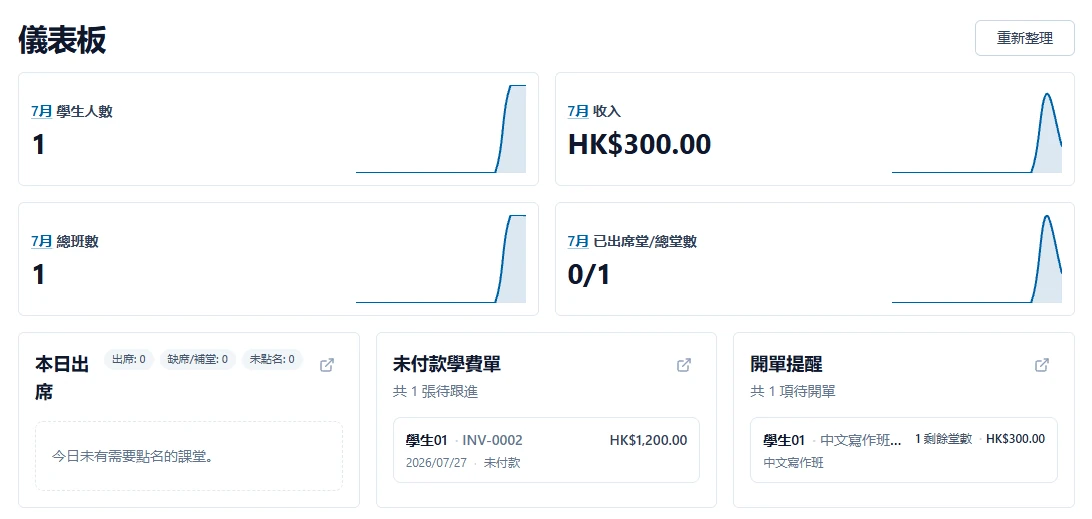
Your front desk and tutors see the same schedule, including changes, leave and makeup lessons.
Use enrollment records to calculate fees and review invoices, payments and receipts together.
Review enrollments, attendance and collections across classes and branches.
Schedule and classroom changes stay in sync, so front-desk staff and tutors always see the same latest arrangement.
Every request, approval and status is recorded clearly, making later review and team follow-up easier.
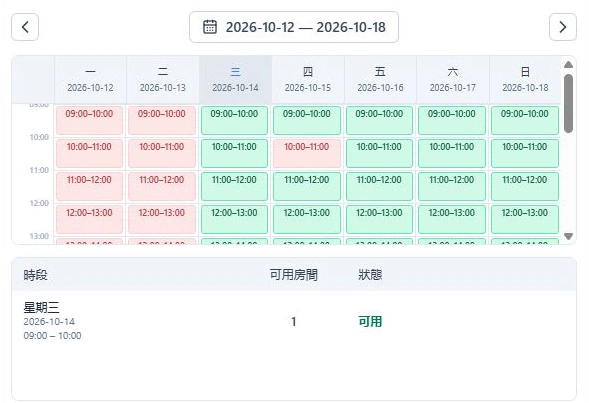
Payment status, receipts and outstanding balances stay together, giving staff and parents a reliable record to check.
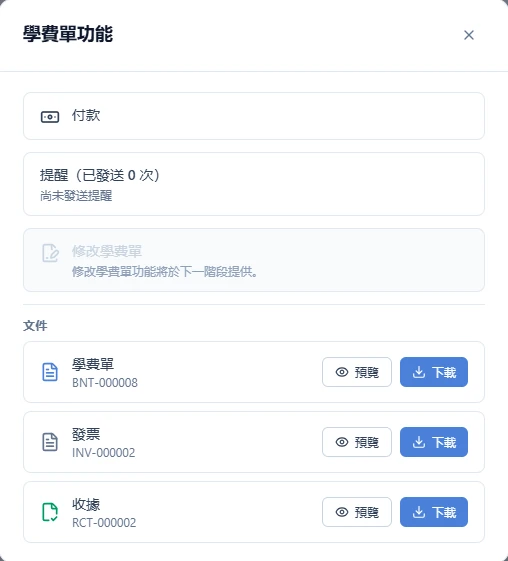
Recipients and message content remain recorded, helping every important update reach the right parents accurately.

Each commission and payroll breakdown is organized automatically, reducing month-end spreadsheets and repeated team checking.

Compare course and class performance clearly, identify operating trends earlier and plan the center’s next steps.




Center Owner
Move tomorrow’s Grade 4 Math lesson to Room B, keeping its time and Miss Chan unchanged.

Bell (AI Assistant)
Demo completed via MCP
Tomorrow’s Grade 4 Math lesson is now in Room B. I’ve checked the room and kept the time and Miss Chan unchanged, ready for your team to review.
Yes. We first review your current data format, then help organize and import suitable records to reduce manual re-entry.
Access and data can be organized by center, branch and role, while managers can review operations across locations.
Yes. We configure workflows around your fee structure, class arrangements and commission rules, then confirm calculations during the demonstration.
Yes. Your team can select configured classes or groups, send notices together and retain the relevant sending history.
Timing depends on your center’s size and workflows. We provide onboarding and practical guidance so the team can adopt the system step by step.