Student Details, in One Place
Look up contact details, enrolled courses and class groups from the student profile. Your front desk can answer a parent’s question about their child’s class straight away.
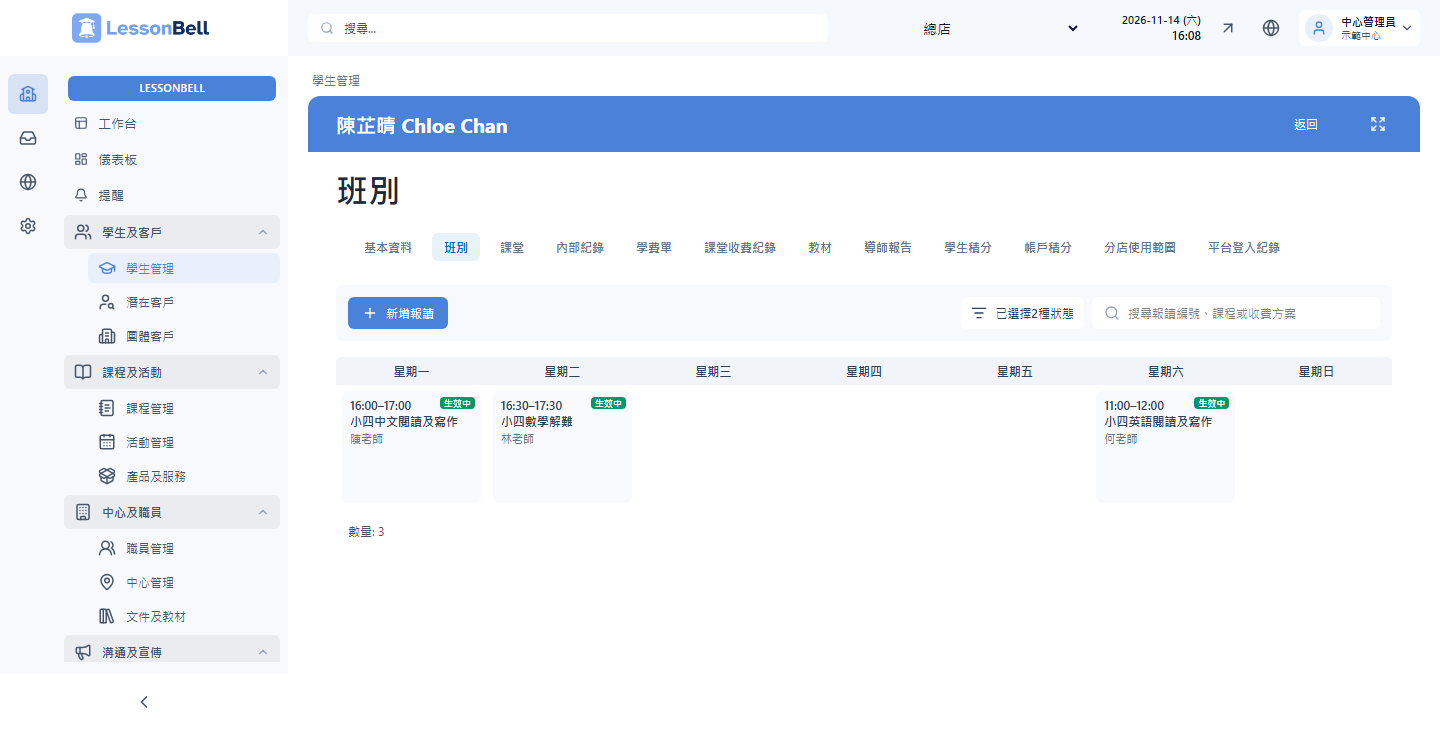

 Student CRM
Find student and enrollment records in one place. Manage family WhatsApp follow-ups, referrals, points and withdrawals with a shared record your team can refer to.
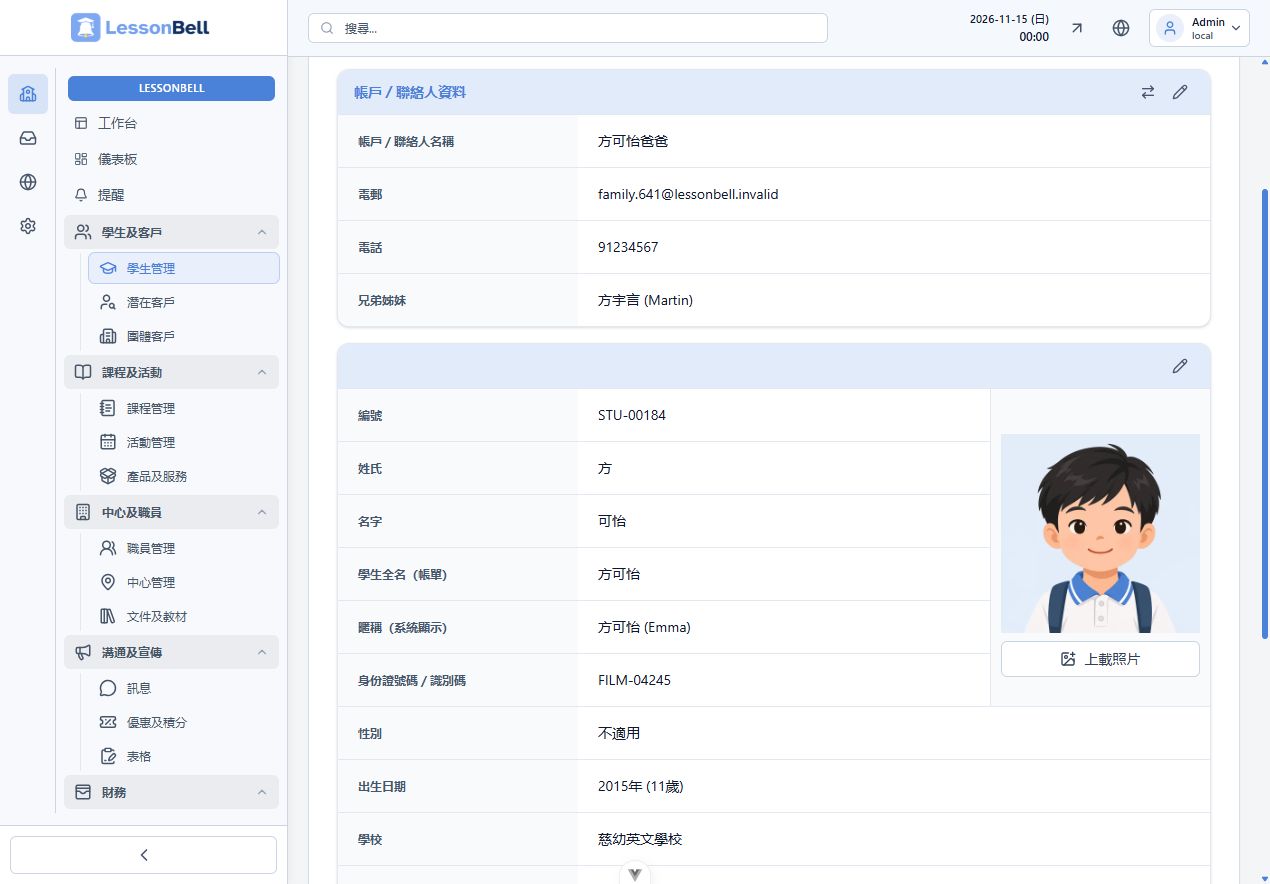


Look up contact details, enrolled courses and class groups from the student profile. Your front desk can answer a parent’s question about their child’s class straight away.
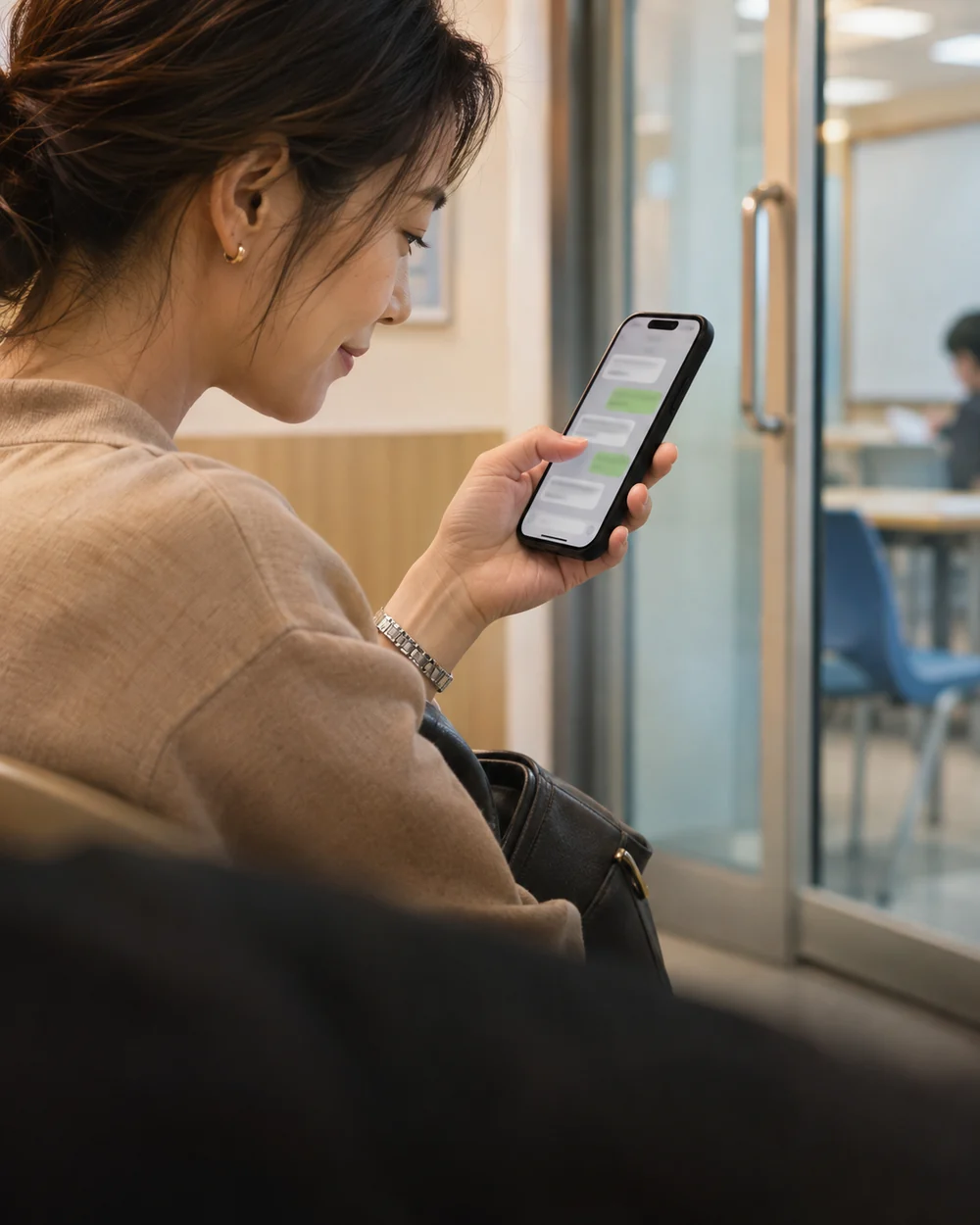
Select the students or groups that need a class update or center announcement, then follow up on individual inquiries.
Record the referral source when a student enrolls so your team can follow up and thank the student or parent who introduced them.

Check point balances and changes in one place so the front desk can answer questions about your center’s points program.

Record the course and withdrawal date. If the family contacts your center again, your team can look up their previous enrollment.




Center Owner
Sophia Chan’s parent is calling. Summarize her current courses for the front desk.

Bell (AI Assistant)
Demo records checked via MCP
Sophia is currently enrolled in Grade 4 Math and English. I’ve brought her active courses together so your front desk has the details ready for the call.
Front desk staff can check student and enrollment records and follow up with parents. Owners can review enrollments, referrals and withdrawals.
Yes. Record the course and withdrawal date, and look up past enrollments whenever you need them.
Bring your current process to a demo and we’ll walk through an example in LessonBell.