From school projects to paymentManage group customers in one place

Keep customer records, projects, quotes, and agreements together for schools, organizations, and employers. Link existing classes to a confirmed project to review attendance and track payments.

A learning center manager and a school coordinator review a proposal for an after-school English program
  • Challenge 01

    Contacts and project history are scattered

  • Challenge 02

    Quotes and project status are hard to reconcile

  • Challenge 03

    Outstanding payments are hard to track

Keep customer records and contacts together

  • Create a record for each school or organization
  • Record a primary contact and other coordinators
  • Review previous projects from the customer record
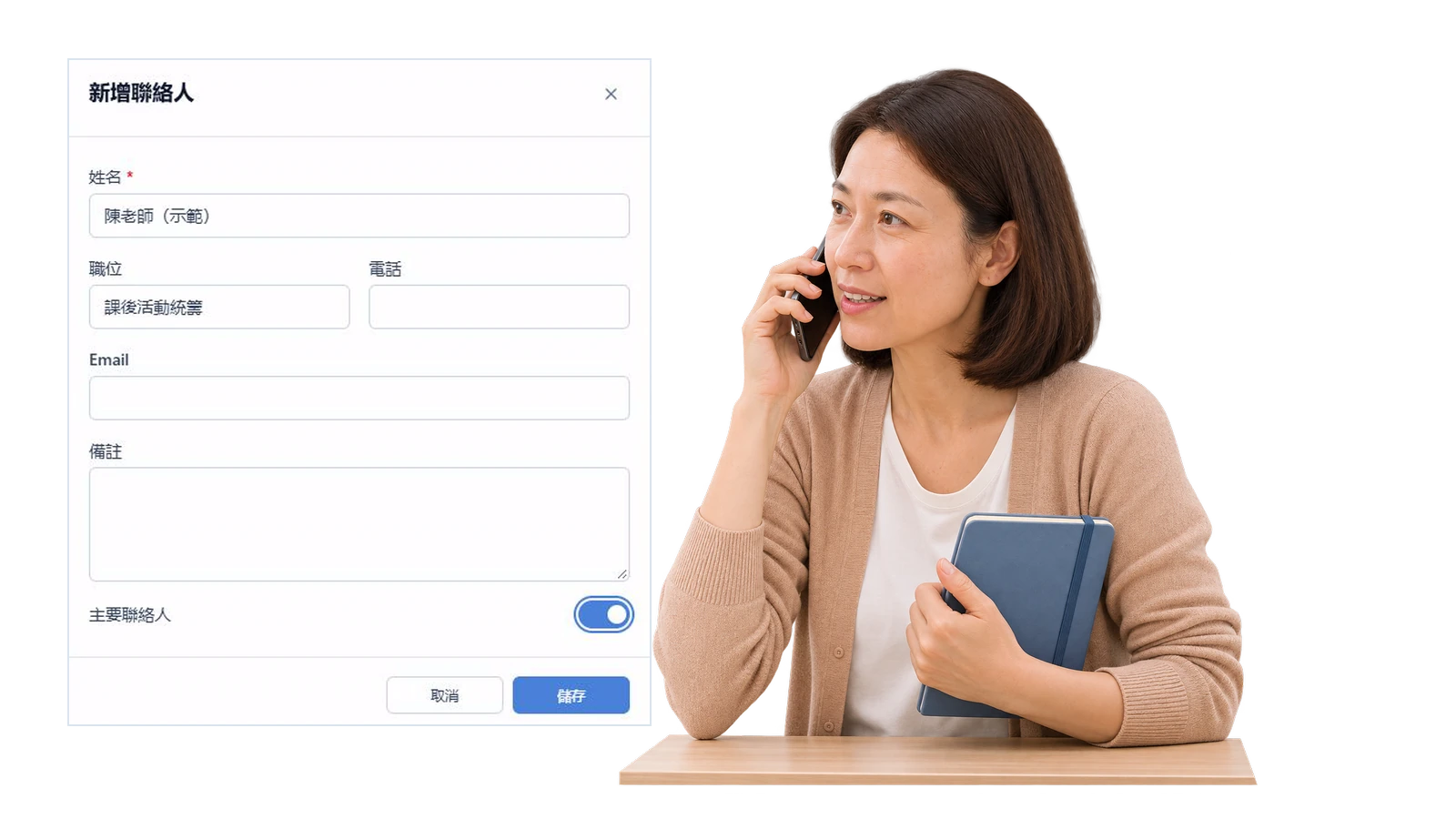
A center manager calls a school beside the CMS contact form showing a sample contact, job title, and primary contact setting.

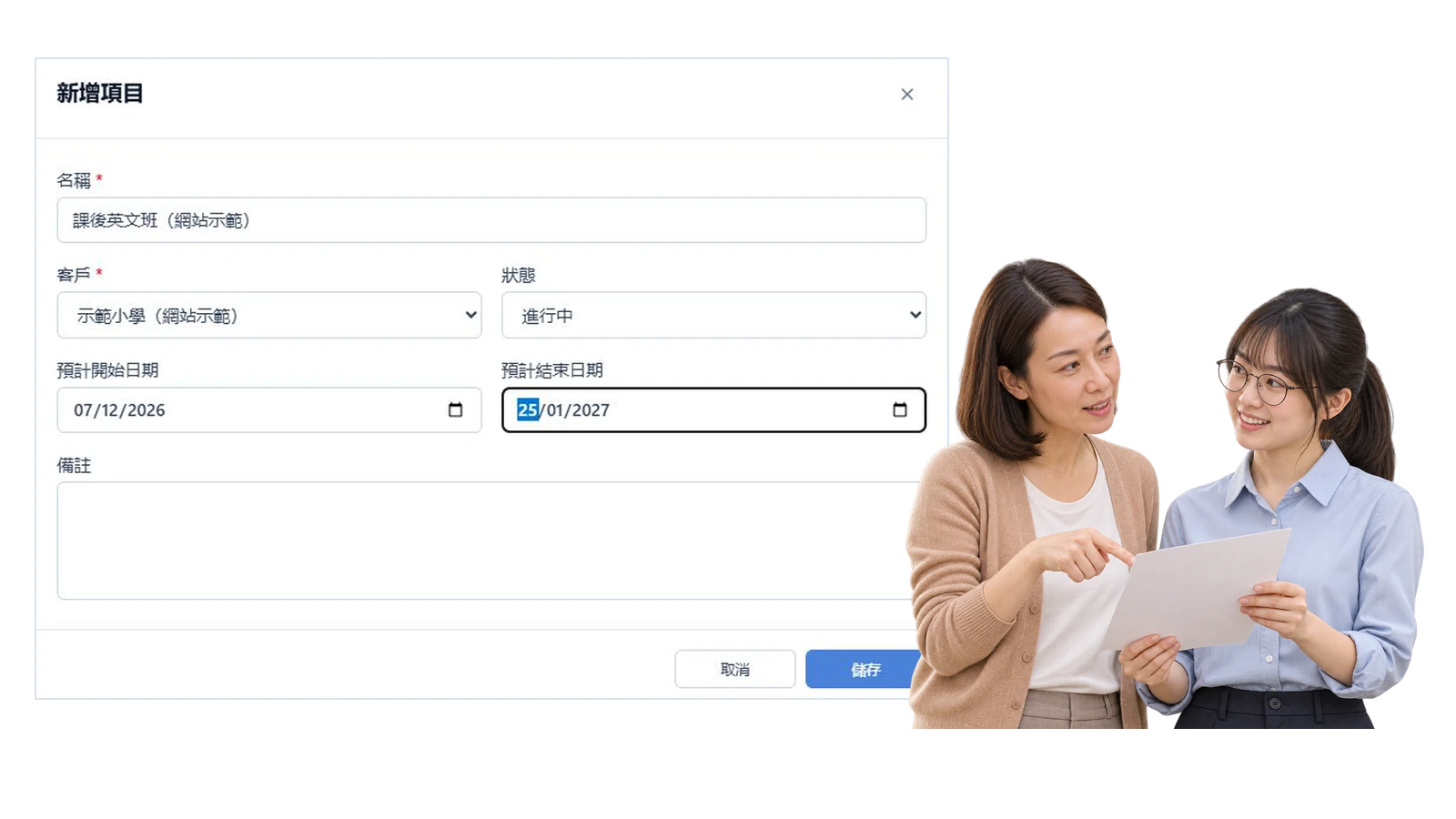
Track a project from inquiry to completion

  • Create a project for an after-school English program and enter the expected dates
  • Update the status as the project is discussed, confirmed, and delivered
  • Track completed and outstanding tasks with a project checklist
A center manager and colleague review a checklist beside the CMS project form showing an after-school English program, a sample school, status, and expected dates.

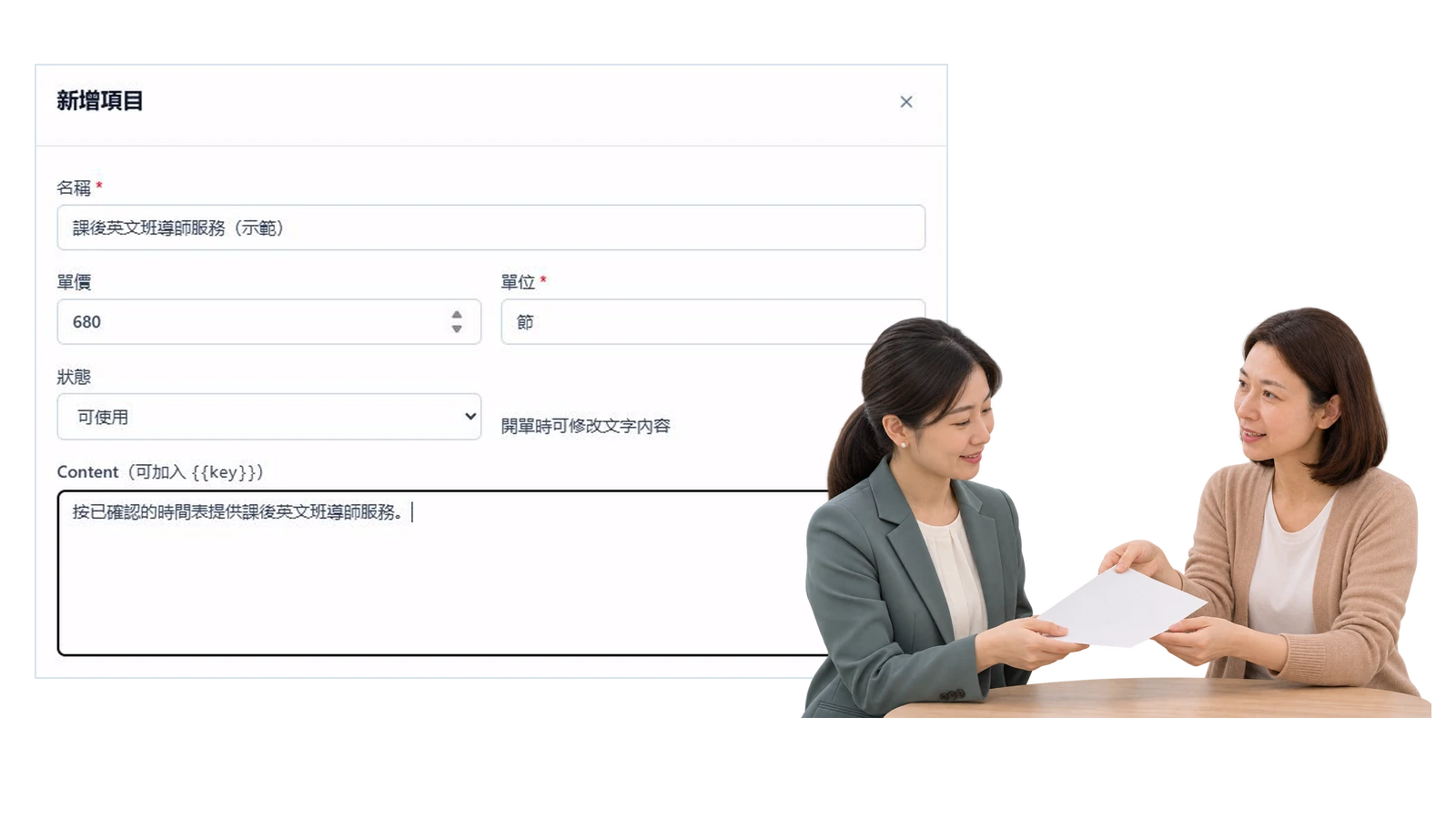
Prepare quotes, agreements, and invoices

  • Reuse common service items with quantities and fees
  • Copy line items from a selected quote into a draft agreement or invoice
  • Review documents and their revisions in the project
A center manager reviews a quote with a school contact beside the CMS document-item form showing the lesson rate and unit.

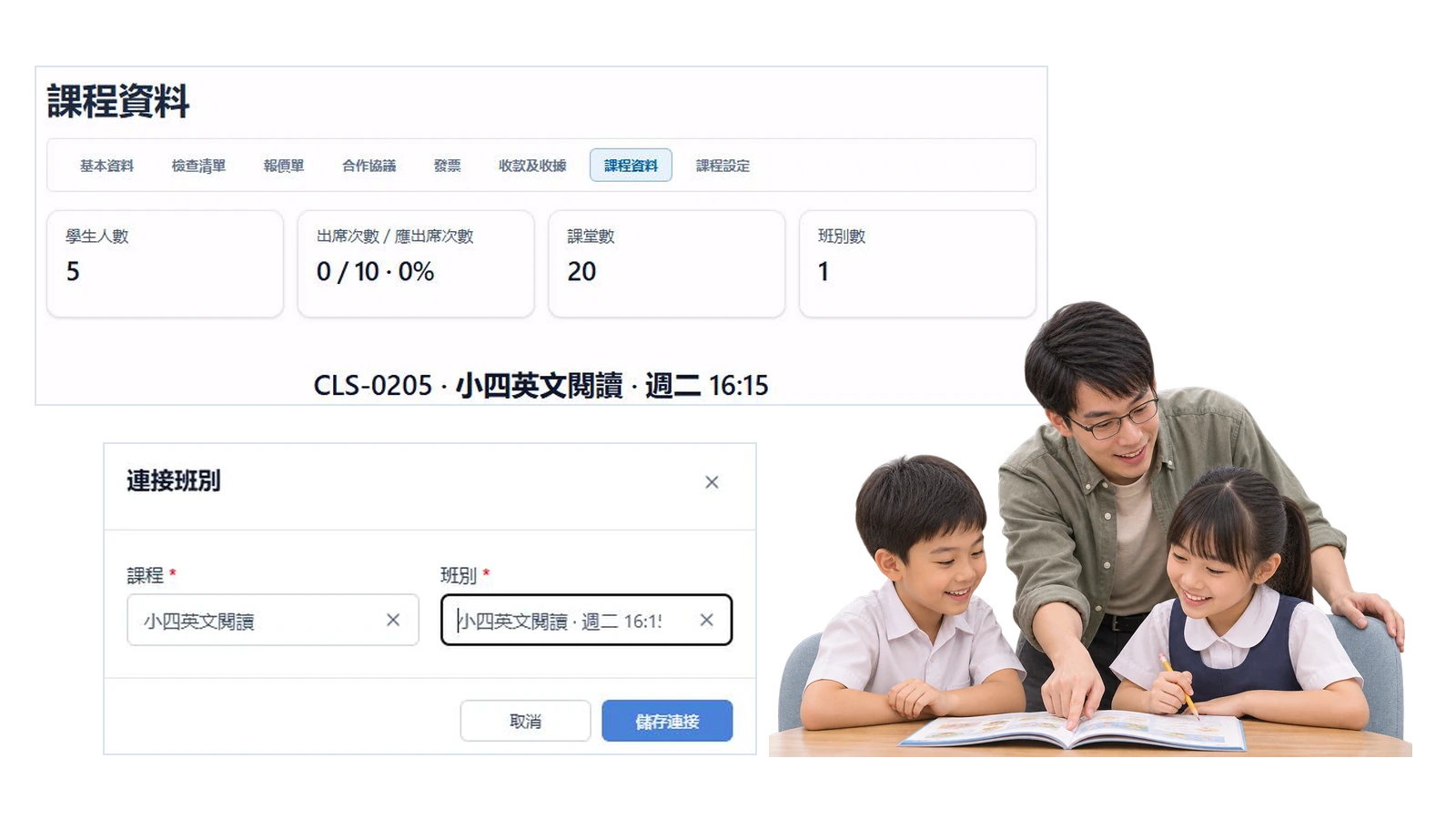
Connect classes and review attendance

  • Link an existing English class to the project
  • Review lessons, tutors, and students for linked classes
  • Check attendance for individual lessons within the project
A tutor helps two students read beside the CMS class connection form and the project’s student, attendance, lesson, and class totals.

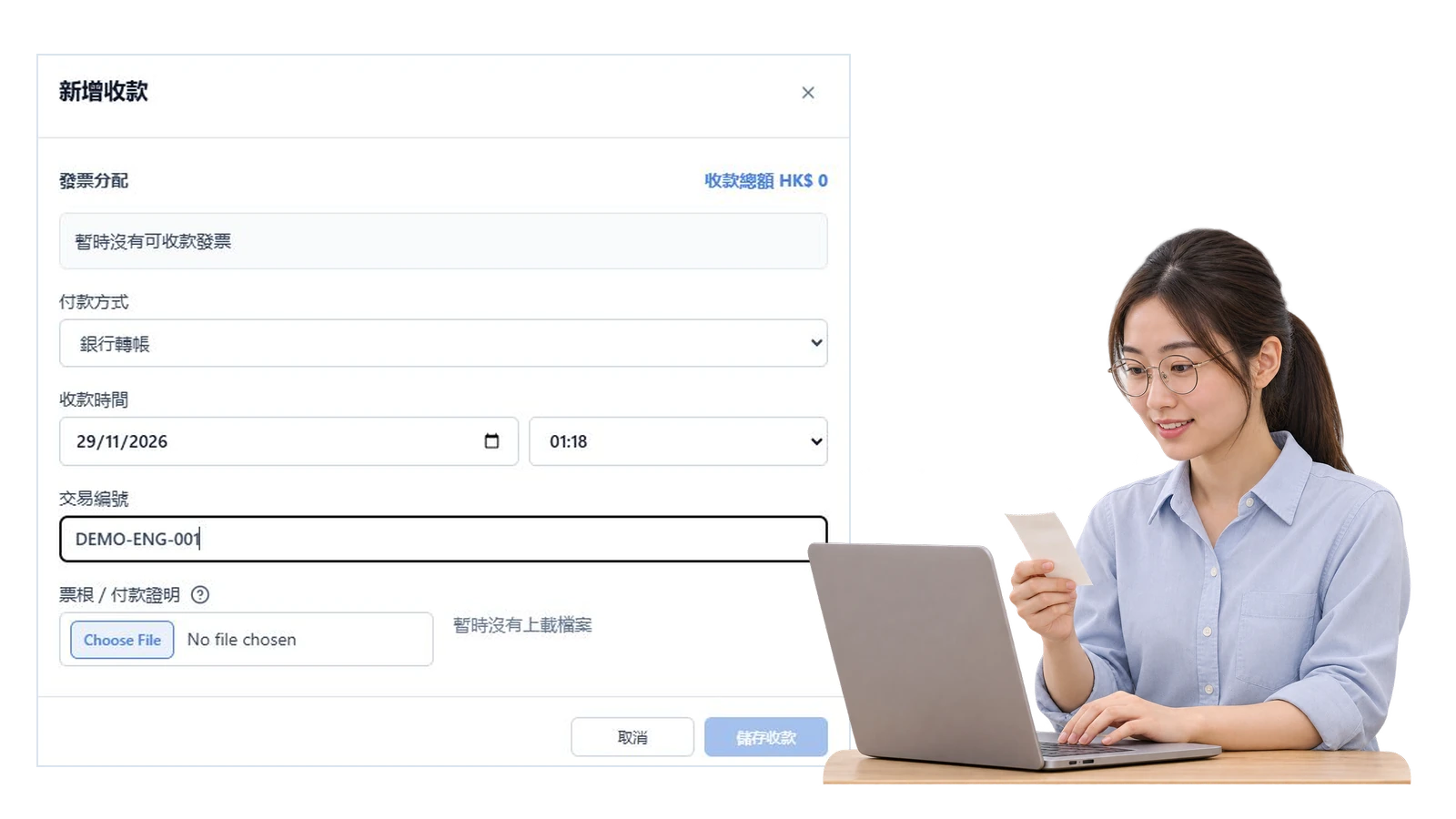
Track outstanding invoices and issue receipts

  • Check the payment status, outstanding balance, and due date on issued invoices
  • Record installments and allocate them to the corresponding invoices
  • Issue a receipt after a payment is confirmed
A receptionist checks a payment slip beside the CMS payment form showing the invoice allocation section, payment method, and proof-of-payment fields.

Put AI to work.Get your time back.

LessonBell MCP
  • Gemini
  • Grok
  • ChatGPT
  • Claude

Center Owner

Under the Sample Primary School customer record, create an After-School English project from December 7 to January 25. Set its status to Preparing Quote.

Bell (AI Assistant)

Demo completed via MCP

  • Check the school’s customer record
  • Confirm the project name, dates, and status
  • Save the project

I’ve created the After-School English project for Sample Primary School with the expected dates and Preparing Quote status. Staff can now prepare the service details and fees from the project.

Customer
Sample Primary School
Project status
After-School English · Preparing Quote

Questions?
We’ve got answers.

Can a customer have more than one project?

Yes. Each project has its own progress, documents, and payment records. Review project history from the school or organization’s customer record.

Can we link an existing class to a project?

Yes. Select an existing class at the current branch to review its lessons, tutors, students, and attendance from the project.

How do we record installment payments?

Record each payment as it comes in and allocate it to the relevant invoice. The CMS shows the paid and outstanding amounts. You can issue a receipt once the payment is confirmed.

Ready for a simpler workday?You’re three steps away.

  1. Meet LessonBell

    Done
  2. Let’s talkSee it in action

    Get started
  3. Bring your dataTry it for a month

  4. You’re all set

  1. Submit the form
  2. 5-minute phone call
  3. On-site or online demo

Book a Demo

Can we call you now?