
Keep Everyone on Schedule
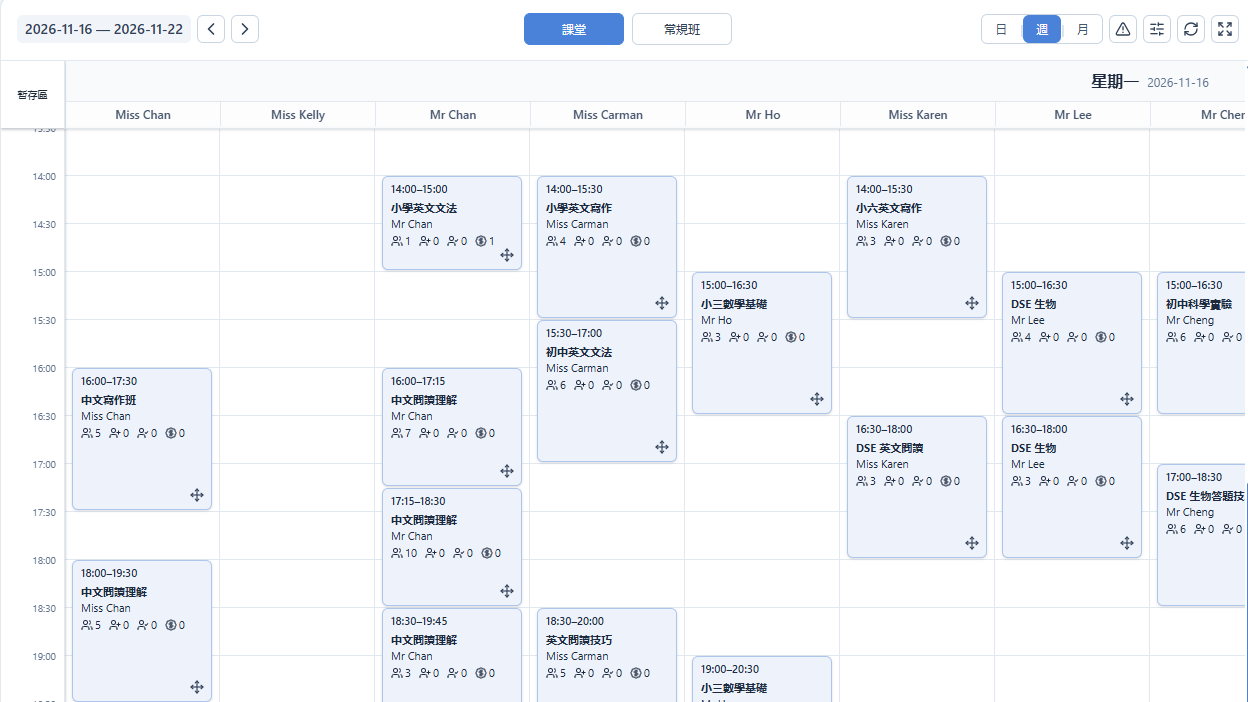
- Arrange classes by age, level and medium, with clear tutor and room times
- Check recurring lessons, extra sessions and the latest arrangements
- Learners and parents can check lesson times and locations in the Student App

Give your team more time to create. Manage art classes, tutor schedules, makeups, payments, and supply orders in one place.
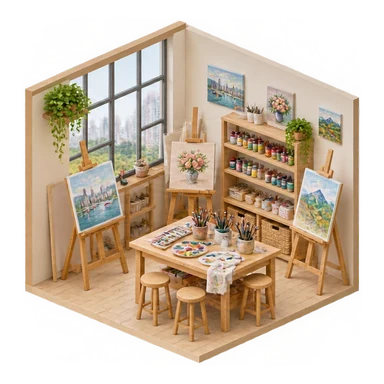
Children’s art classes
Sketching and painting courses

50–300 students

1–20 tutors

Hong Kong


A website that turns interest into enrollment.
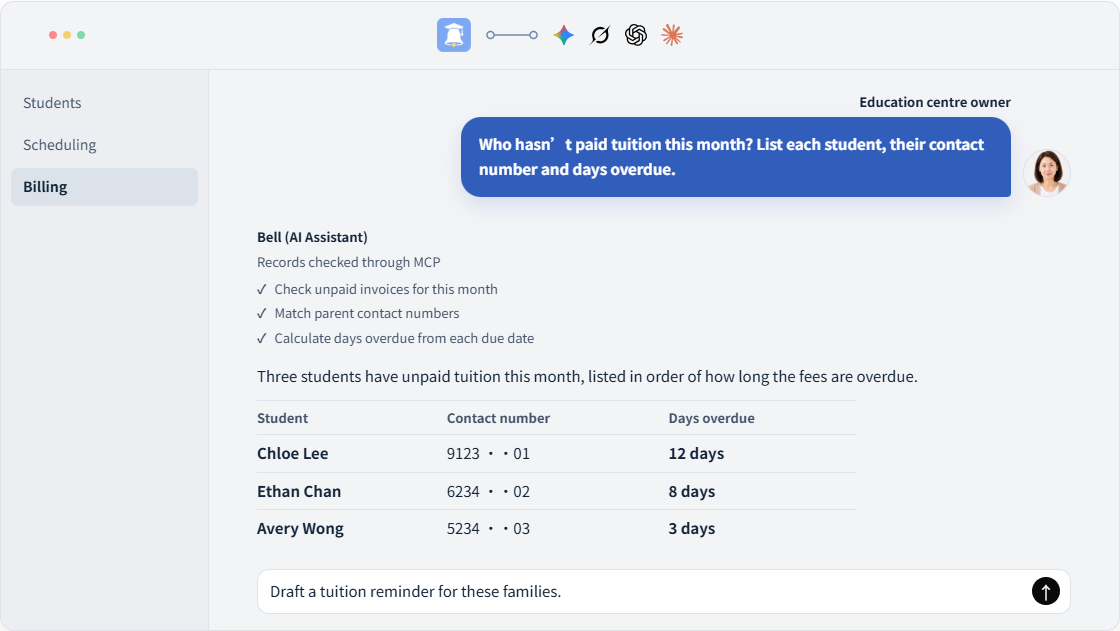
Ask. Schedule. Invoice. Let AI help.
Yes. Families can report an absence in the Student App. When you enable self-service makeups, they can use valid credits to book eligible classes under your deadlines and approval rules.
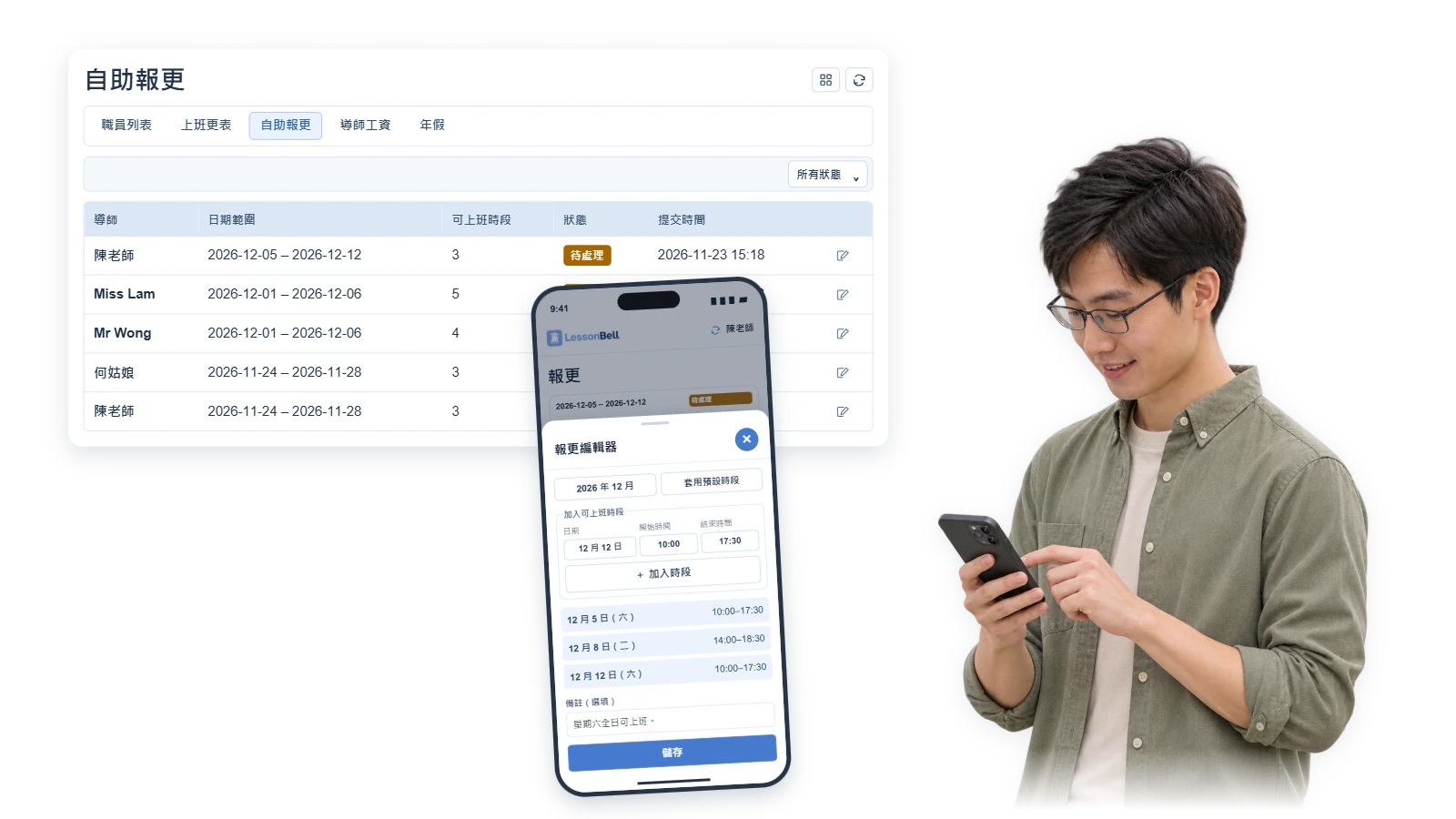
Tutors submit available working times in the Tutor App. Staff use the roster when arranging art classes, and tutors can check their assigned lessons and locations in the app.
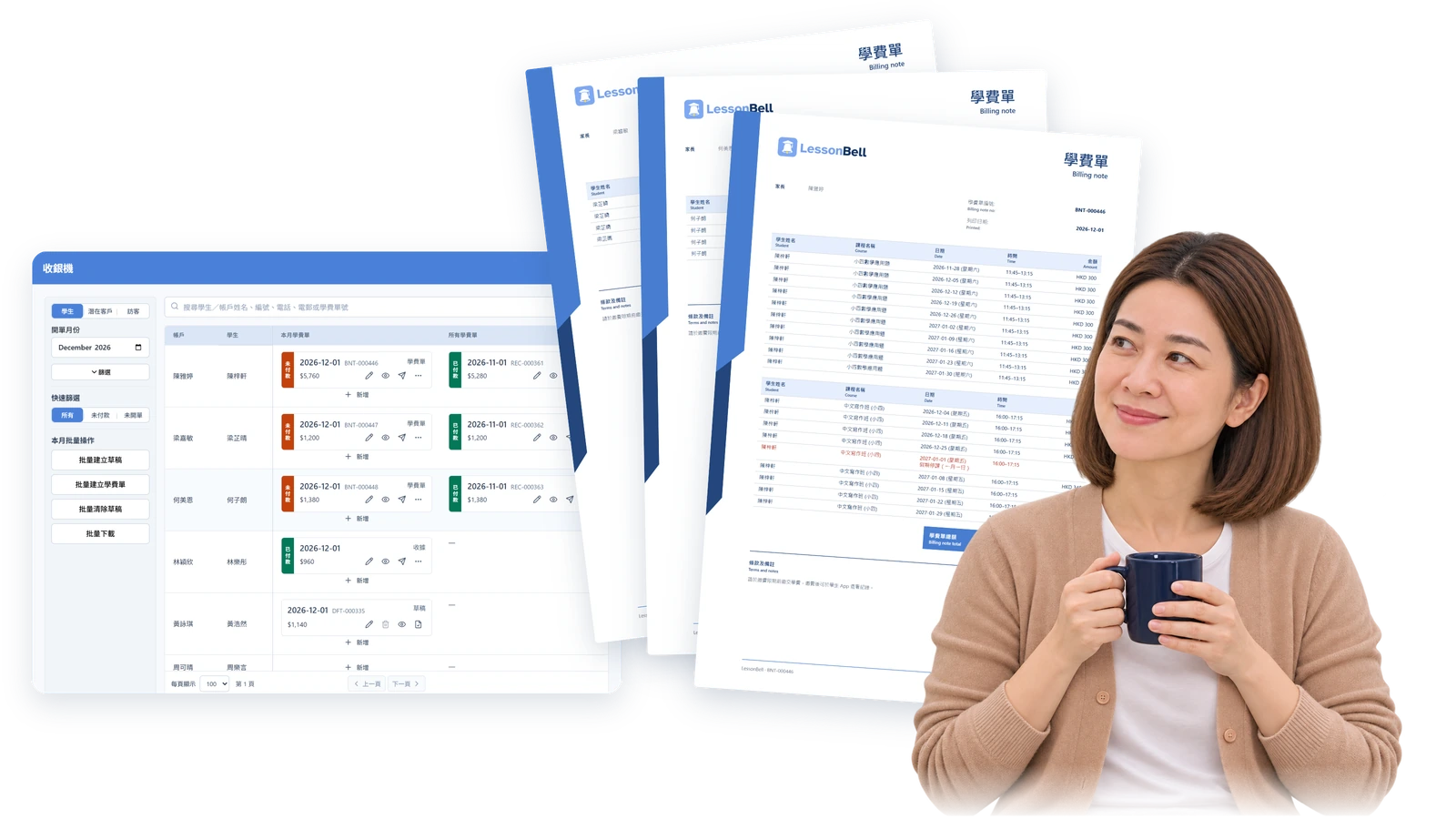
Set billing dates and payment deadlines using your fee rules. Send invoice links to learners and parents by email or WhatsApp according to the center’s notification settings, then review paid and outstanding records together.
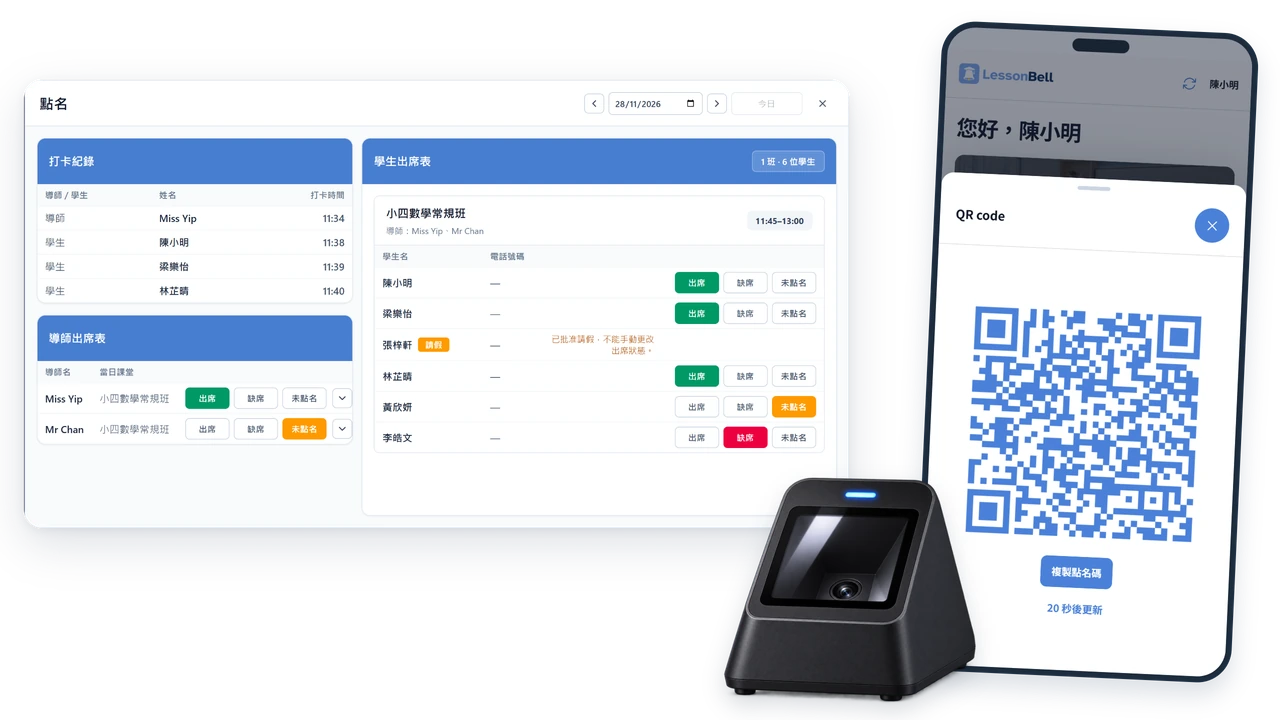
Yes. Once students check in or tutors take attendance, your team can find the record by student or lesson. Everyone works from the same history.
Set up art supplies, sketchbooks and tools as products, then add them to an online order form. Learners can choose variants and quantities while the center reviews orders, payments and stock records.